
Meet the new CEEMS OS
Your production.
One connected
control system.
Bring sound, video, cameras, lighting, and more together in one connected control system, so your volunteers can guide the service from a single touch console.
Request your CEEMS OS demonstration today ↗Professional control. Volunteer-first design.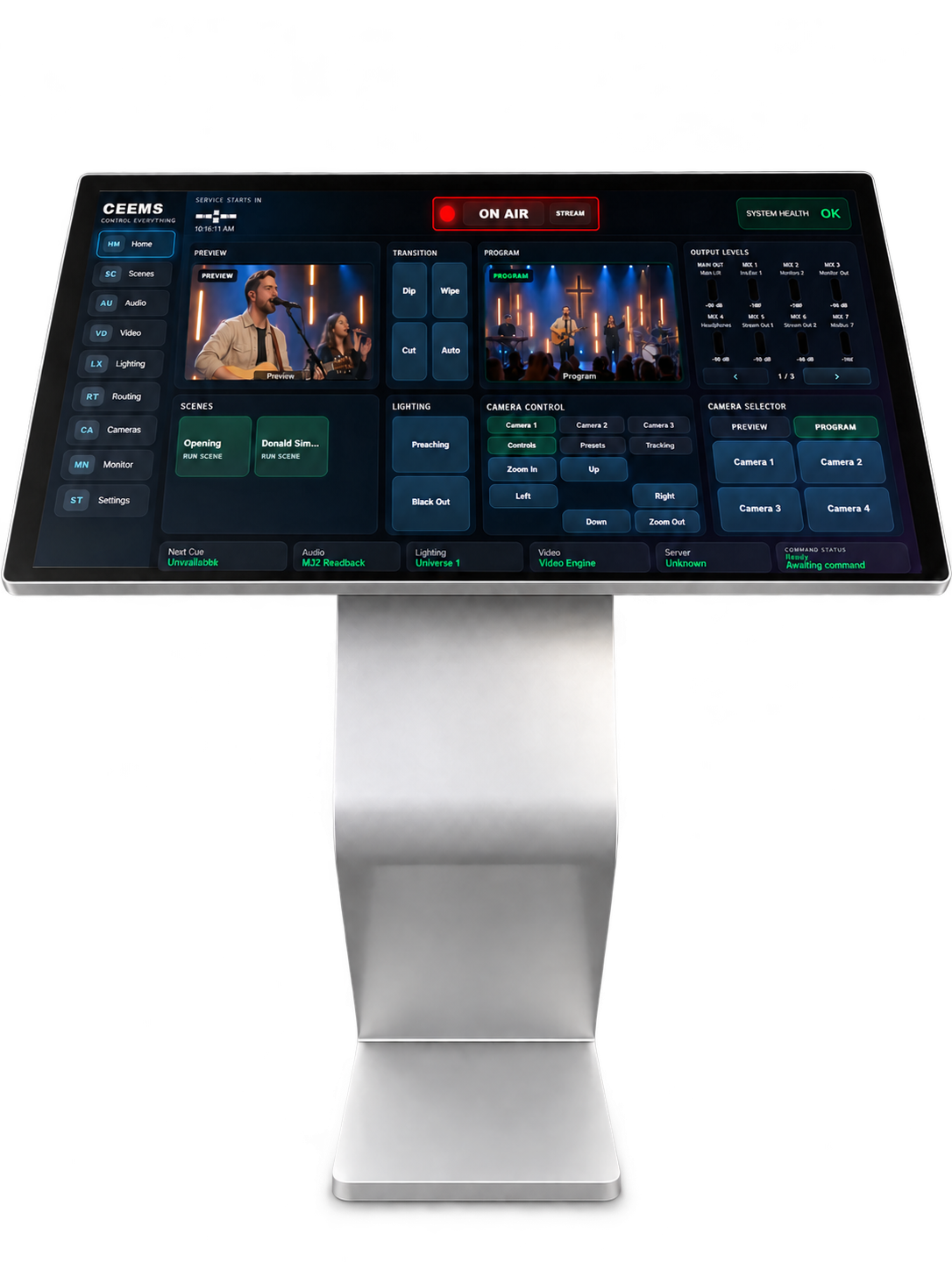
Illustrative product presentation
1 of 2 · Console
Completely reimagined.
Professional control.
Volunteer-first design.
The new CEEMS OS brings production controls into a unified workspace. Your team gets a consistent way to manage the service, with professional capability designed around the people who serve.
Already familiar with CEEMS?
Earlier CEEMS setups brought separate control apps together on a tablet home page. This new generation has been completely revamped, bringing supported production controls together within CEEMS OS.
Request a CEEMS OS appointment ↗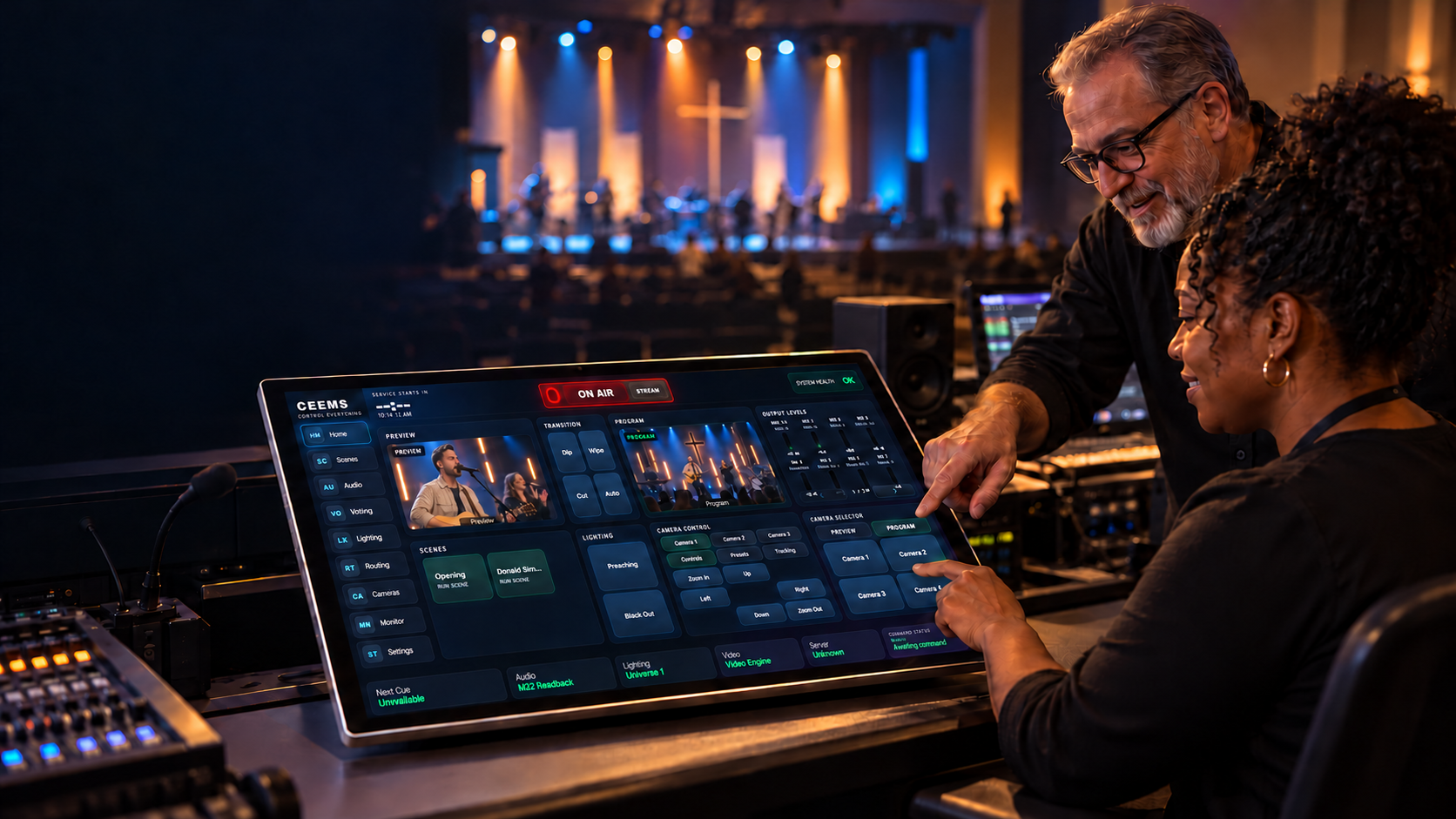
Built for the people who serve.
First, they learn it.
Then, they make
it their own.
A familiar place to practice. A teammate to learn alongside. A clearer way to prepare for the next service.
Step into Sunday ↓Same CEEMS OS. A place that fits your team.
At the AV desk.
On a pedestal.
Within their reach.
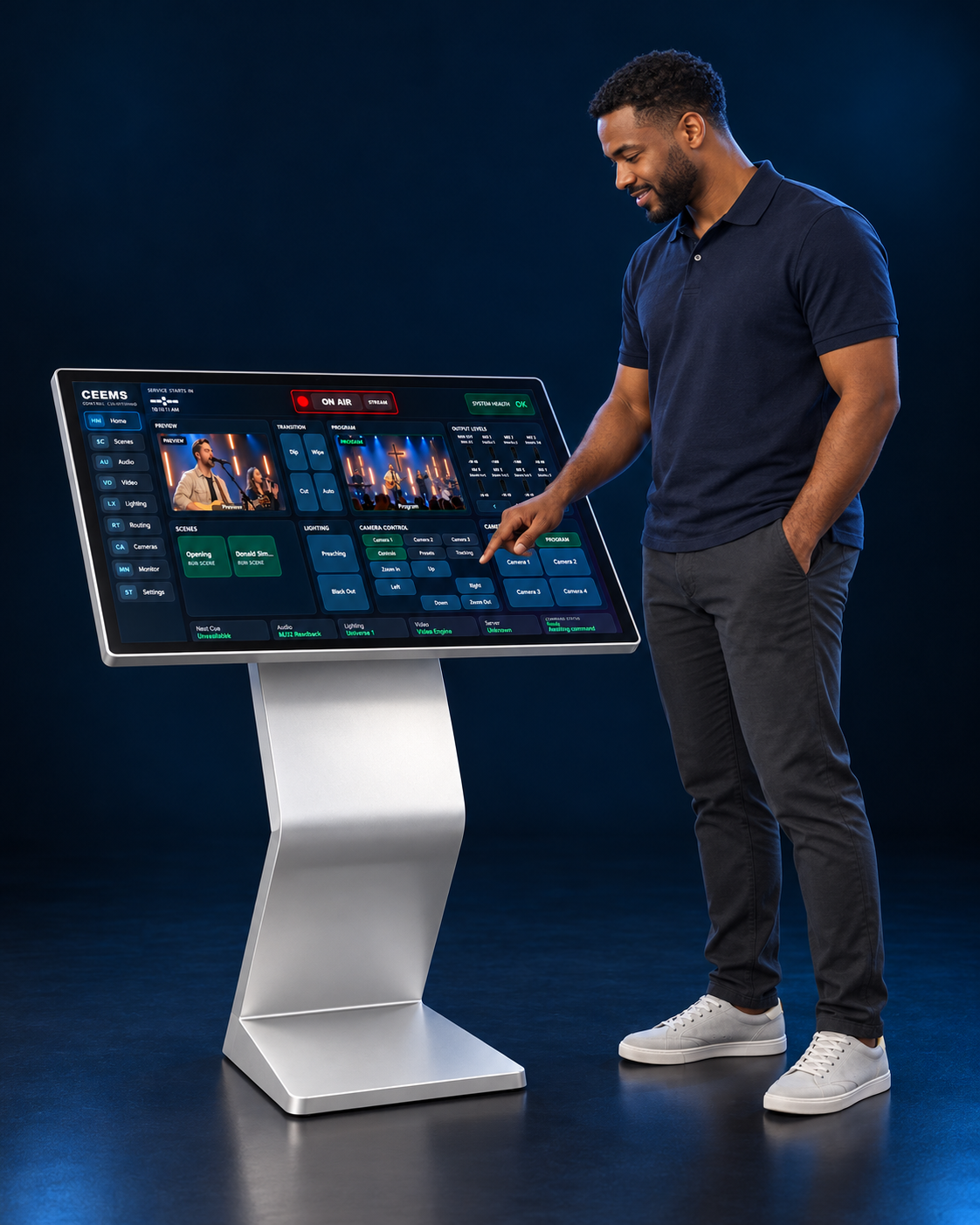
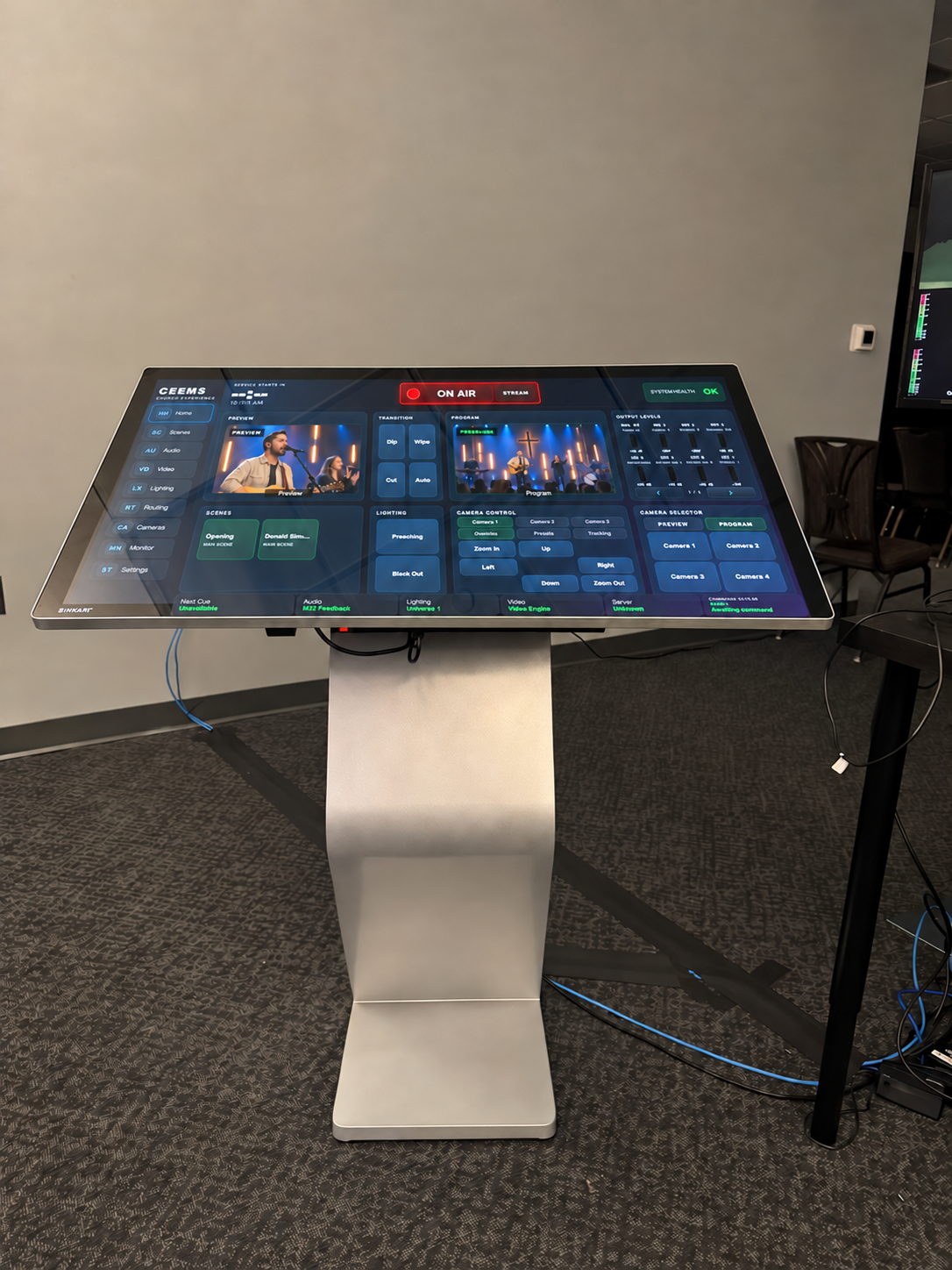
CEEMS OS can be operated from a desk-mounted or pedestal-mounted touch console. One console or three, the configuration starts with your people, your room, and the way you run the service.
We help plan the placement, configure supported equipment, and rehearse the workflow with your team.
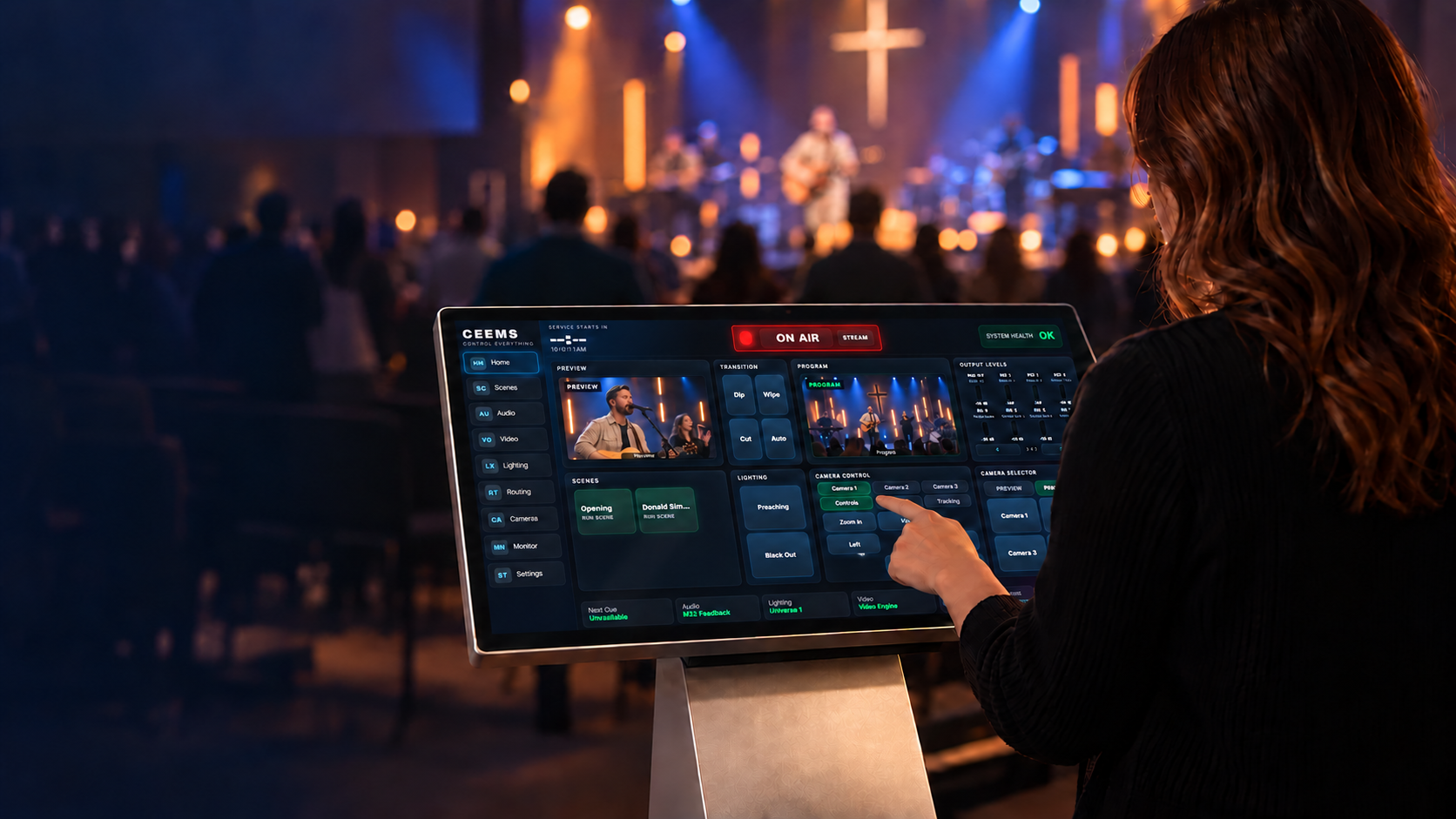
Practice becomes a familiar next step.
The service moves.
They move with it.
Find the next camera. Recall the prepared cue. Stay attentive to what’s happening in the room.
See the workspace behind the moment ↓This is where the complexity becomes a clearer next step.
Go ahead.
Get closer.
Explore Home, Video, and Audio.
See the workspace behind each part of the service.
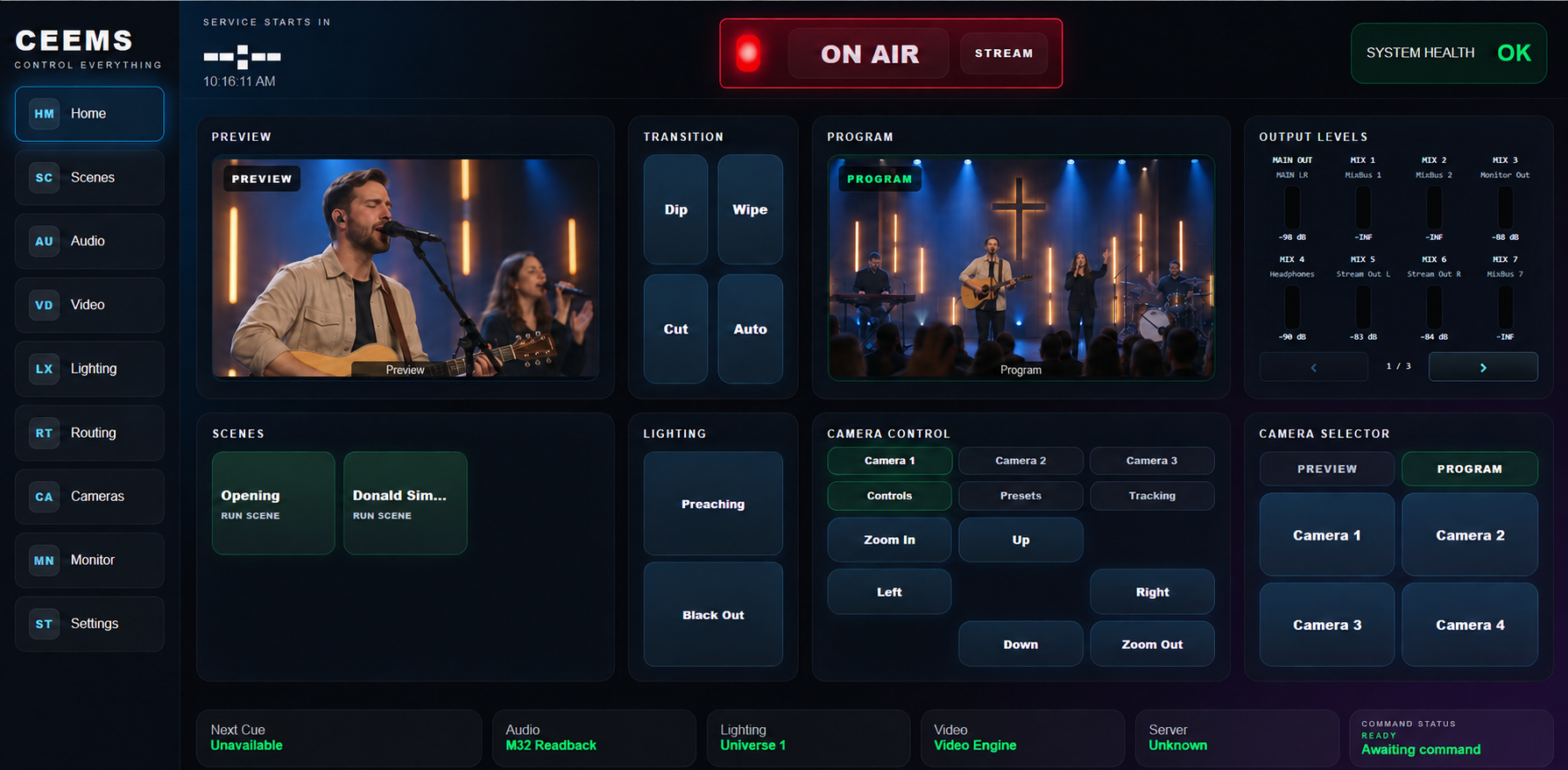
The next moment. Already considered.
Prepare supported production actions in advance, then give your volunteer a familiar place to recall the next scene.
Home and Video: owner-supplied interfaces with illustrative worship feeds added. Audio: original owner-supplied screenshot. Website annotations do not operate equipment.
Your room. Your team. Your configuration.
One control system. A clearer way to serve.
More consoles can make room for the team.
At an AV desk or on a pedestal, some setups use one touch console. Others use three.
We plan the mounting, number, and placement around how your church serves.
One console · A focused place to bring supported production controls together.
Pedestal configuration illustration. Desk-mounted control consoles are also an option. Equipment compatibility and installation scope are assessed with CET.
CEEMS OS / From preparation to production
A striking piece
of technology.
A practical way
to serve.
The song ends. The pastor steps forward. Your volunteer needs the next action within reach.
Follow the service ↓A volunteer came to serve.
Give them a clearer
way through the complexity.
A camera to frame. A mix to adjust. A lighting cue to recall. Each task matters. The service keeps moving. CEEMS OS brings supported production controls into one workspace, with prepared scenes that help your volunteer guide the transition.
Prepare the path.
Work through the service before the room fills. CET configures the supported equipment, prepares familiar scenes, and rehearses the workflow with your team.
The complexity is considered in the design, setup, and preparation.
Move with the service.
Bring the next camera into view. Recall the prepared lighting cue. Make the audio adjustment. Coordinated controls help the operator find the next action as the service unfolds.
Production scenes can combine supported camera presets, console-scene recall, lighting cues, and a Program source.
Pass on confidence.
A familiar workspace gives training a clear place to start. Rehearsal, documented workflows, and an ongoing support relationship help the team build shared knowledge.
Confidence grows through preparation and practice.
The capability stays.
Bring professional control
within reach.
CEEMS OS brings supported sound, video, cameras, lighting, and other production controls into one management system. Your equipment does its job while your team guides the service from a connected control console.
CET assesses model compatibility and configures the installation around your team. Available controls depend on the equipment and setup.
Picture your team here.
What would a clearer
Sunday feel like?
See the controls, talk through your service, and explore a setup for your team.